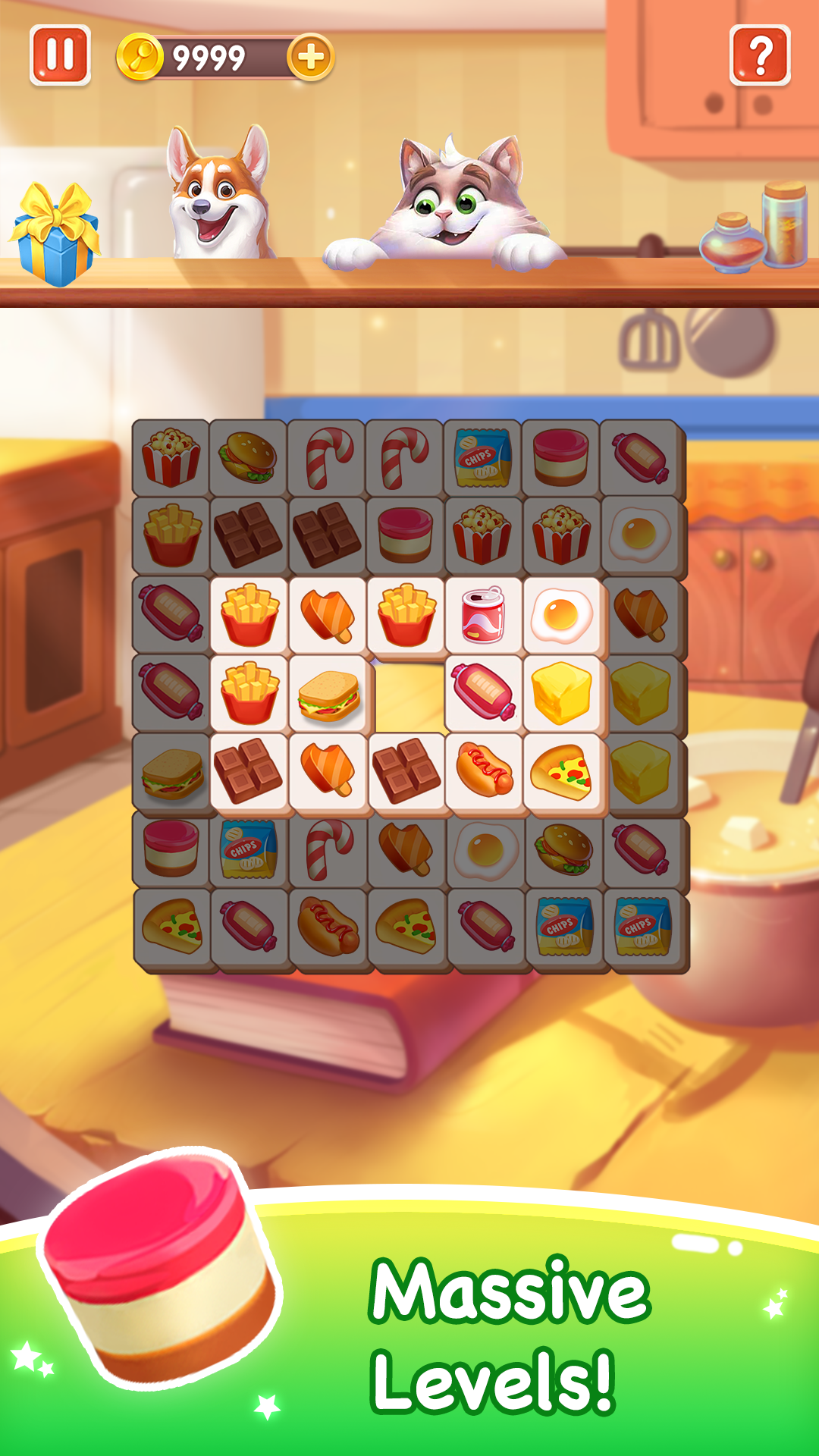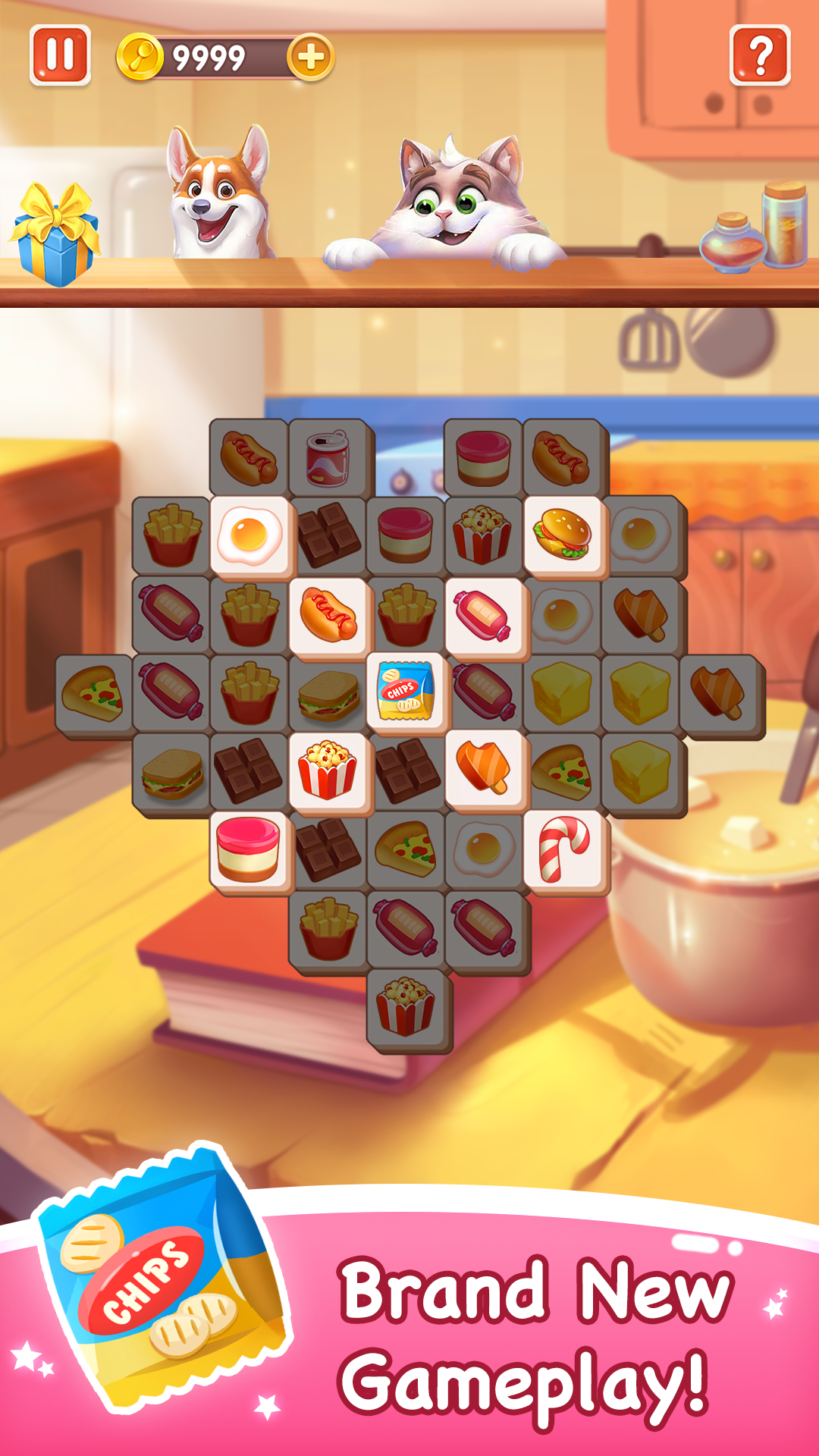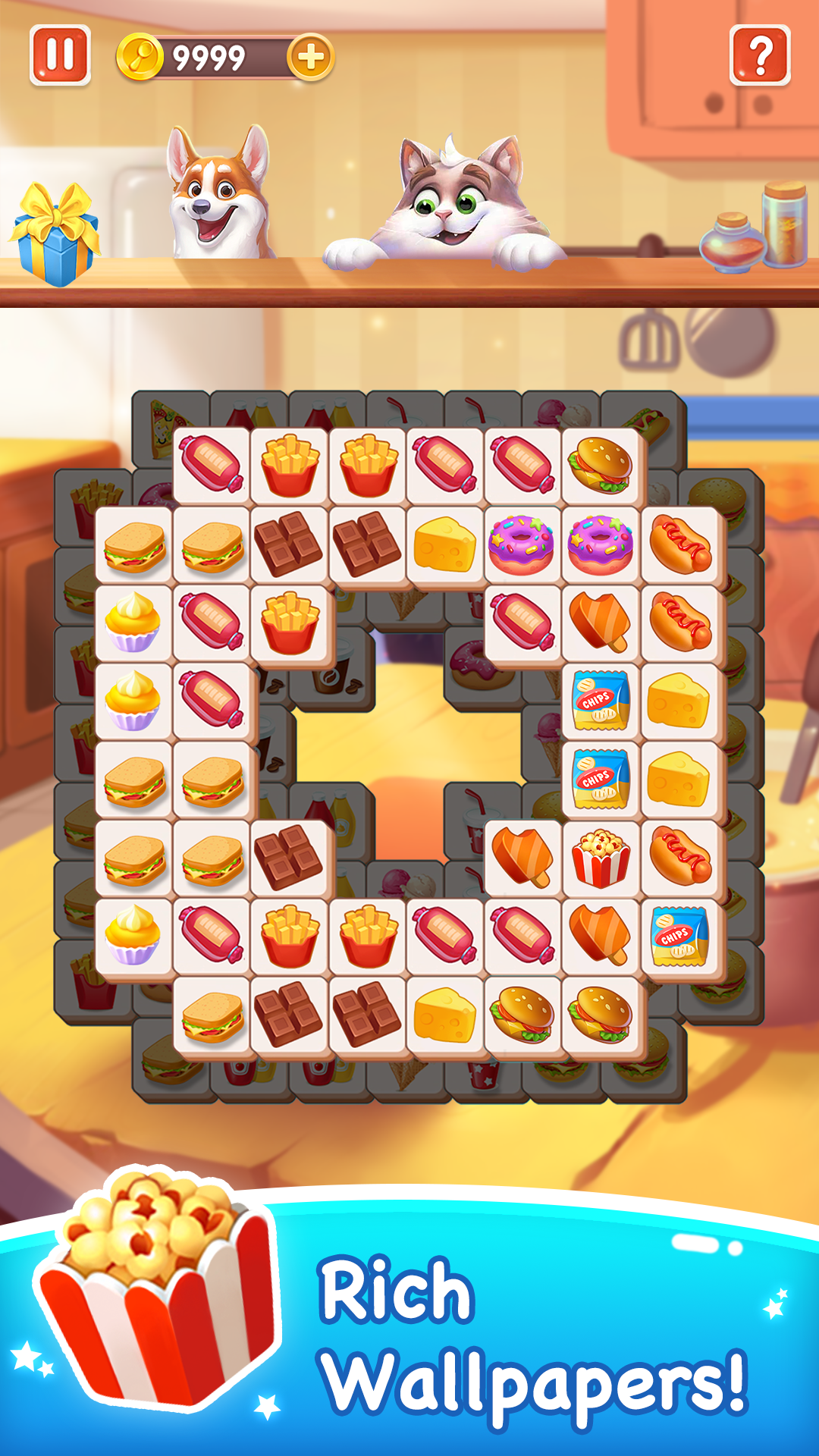


Tile Magic adalah aplikasi Teka-teki yang dikembangkan oleh Mentha Games dan dapat dijalankan di perangkat mobile, tetapi dengan menggunakan emulator Android terbaik - LDPlayer, Anda dapat mengunduh Tile Magic dan menjalankannya di komputer Anda.
Dengan menjalankan Tile Magic di komputer, Anda dapat menjelajah dengan jelas di layar yang lebih besar, serta mengendalikan aplikasi dengan menggunakan mouse dan keyboard jauh lebih cepat daripada menyentuh layar, dan Anda tidak perlu khawatir tentang kekuatan perangkat Anda.
Berkat fitur multi-instance dan sinkronisasi, Anda juga dapat menjalankan aplikasi dan akun ganda di komputer Anda.
Fungsi transfer file antara emulator dan komputer juga memudahkan berbagi foto, video, dan file.
Unduh Tile Magic dan jalankan di komputer Anda sekarang dan nikmati layar besar dan kualitas gambar yang tajam untuk versi PC!
Match 3 same tiles to solve challenging puzzles. It's easy at the beginning and as you progress you will face a lot challenging levels. Game always need good logic and strategy to solve levels. Once you master the skills, you will enjoy the exciting gameHow to Play:
Tap and move any tile onto the board. Match 3 same tiles on the board to clear it. Do clearing as fast as possible to collect more stars. Puzzle will complete when all tiles are cleared. Game will fail if you have seven or more tiles on the board.
Each tile board is different and varies from one to the next, giving the game a different flair for every level you play.
Tile Magic will improve your problem-solving skills. Have fun while sharpening your brain. This puzzle game will be your next brain teaser.
SUBSCRIPTION PRICING AND TERMS
In Tile Fun we offer you the following two subscription options:
1. A weekly subscription costing $3.99 (or equivalent in your currency) per week after a 3-day free trial period.
2. A monthly subscription costing $9.99 (or equivalent in your currency) per month.
After buying any of the subscriptions, you will remove the non-optional banner and interstitial adverts from the game.After purchasing any subscription, you will remove non-optional banner ads and interstitial ads from the game. In addition, you will get exclusive background wallpapers, free resurrection once per game, and double rewards every day.
This is an auto-renewable subscription. The payment is charged to your account after confirmation. The subscription is renewed unless you unsubscribe 24 hours before the period ends. Your account will also be charged for renewal. The above-mentioned prices are for customers in the United States. Pricing in other countries may change and actual charges may be converted to local currency.
End of trial/introductory periods and subscription renewal:
- The payment will be charged to your iTunes Account after a confirmation of purchase.
- The subscription will be renewed unless you unsubscribe 24 hours before the end of the current period.
- The account will be charged for renewal 24 hours before the end of the current period at the standard cost of the subscription.
- Subscriptions may be managed by the user and auto-renewal may be turned off by going to the user's Account Settings after purchase.
- No cancellation of the current subscription is permitted during the active subscription period.
- Any unused portion of the free trial period will be forfeited when the subscription is purchased.
Canceling a trial or subscription:
- In order to cancel a subscription during the free trial period, you need to cancel it through your account in the App Store. This must be done at least 24 hours before the end of the free trial period to avoid being charged.
Terms of Service and Privacy Policy please go to the following link:
Terms of Use:
https://docs.google.com/document/d/1yPUU3nnGpZgSKEuduBRVVmF4fHuQOUhKpUCgPsUTfBk/
Privacy Policy:
https://www.firedragongame.com/privacy.html