FANBOX Viewer adalah aplikasi Seni & Desain yang dikembangkan oleh CAIOS dan dapat dijalankan di perangkat mobile, tetapi dengan menggunakan emulator Android terbaik - LDPlayer, Anda dapat mengunduh FANBOX Viewer dan menjalankannya di komputer Anda.
Dengan menjalankan FANBOX Viewer di komputer, Anda dapat menjelajah dengan jelas di layar yang lebih besar, serta mengendalikan aplikasi dengan menggunakan mouse dan keyboard jauh lebih cepat daripada menyentuh layar, dan Anda tidak perlu khawatir tentang kekuatan perangkat Anda.
Berkat fitur multi-instance dan sinkronisasi, Anda juga dapat menjalankan aplikasi dan akun ganda di komputer Anda.
Fungsi transfer file antara emulator dan komputer juga memudahkan berbagi foto, video, dan file.
Unduh FANBOX Viewer dan jalankan di komputer Anda sekarang dan nikmati layar besar dan kualitas gambar yang tajam untuk versi PC!
▽ Translator Recruitment AnnouncementThis app is developed by Japanese natives, and there may be instances where translations into multiple languages are insufficient. If you are willing to contribute to the translation, we would appreciate it if you could express your intention via the following GitHub issue. If you are an Android app developer, you are also welcome to directly submit a Pull Request. We thank everyone in advance for their cooperation!
https://github.com/matsumo0922/PixiView-KMP/issues/new
▽ Features of the App
▼ Check posts smoothly through the app!
While it's not always possible to smoothly check posts on the web version, the app leverages its capabilities to allow you to quickly check one post after another! With download functionality for illustrations and files, support your favorite creators and enjoy a better FANBOX life!
▼ Easy-to-View List Display!
If you want to focus on viewing illustrations, the list view setting (grid mode) is recommended. Displaying illustrations like a photo album app enhances comfort by showing them in an easy-to-browse grid!
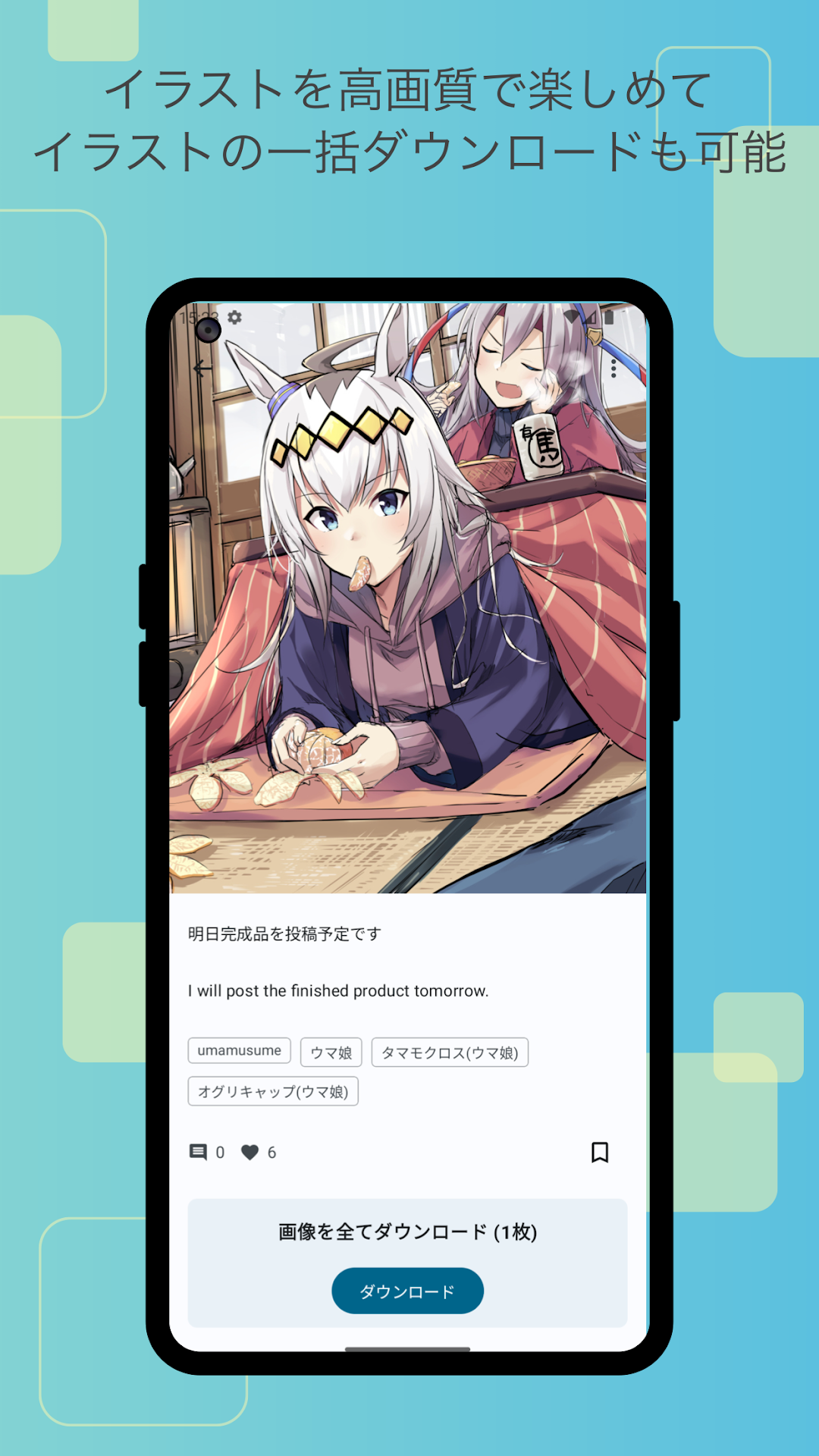
▼ Batch download of illustrations!
Not only can you download all the illustrations in a post at once, but you can also batch download posts from your favorite creators!
▼ Save your favorite posts with likes!
With the like feature, you can save your favorite posts by liking them, making it easy to revisit them later. Say goodbye to the hassle of wondering where that post went.
▼ User-friendly design!
Fully compliant with the latest Google-recommended 'Material Design'. We aimed for a layout that is easy to see and handle. While supporting multiple detailed settings, the functionality as a FANBOX client app is very simple, and we have strived to make it easy to use even for those who do not need intricate settings, simply for viewing illustrations.
▼ App Lock Feature!
The app can request biometric authentication or device password verification upon launch! This prevents others from seeing private posts when you lend your smartphone to someone, ensuring your privacy!
▽ Required Permissions
▼ WRITE_EXTERNAL_STORAGE
Used to save illustrations and files.
▽ Support
Inquiries are accepted through GitHub issues. Please use the link below to submit your inquiry, including details such as the app version, Android version, and the name of the device you are using.
https://github.com/matsumo0922/PixiView-KMP/issues/new